Test featureIn planning · first results
Strobe & Depth
Set your strobe after the dive.
Strobe too weak, or pointed the wrong way? DepthLight now understands how far away every part of your photo is, and lets you place light where it belongs, after the dive.
Many possibilities. Choose an example:
1Place your strobes.
Click into the photo where the light should go. Drag it, pull the outer point to make it bigger or smaller. Up to five lights, each with its own size, strength, color and falloff.
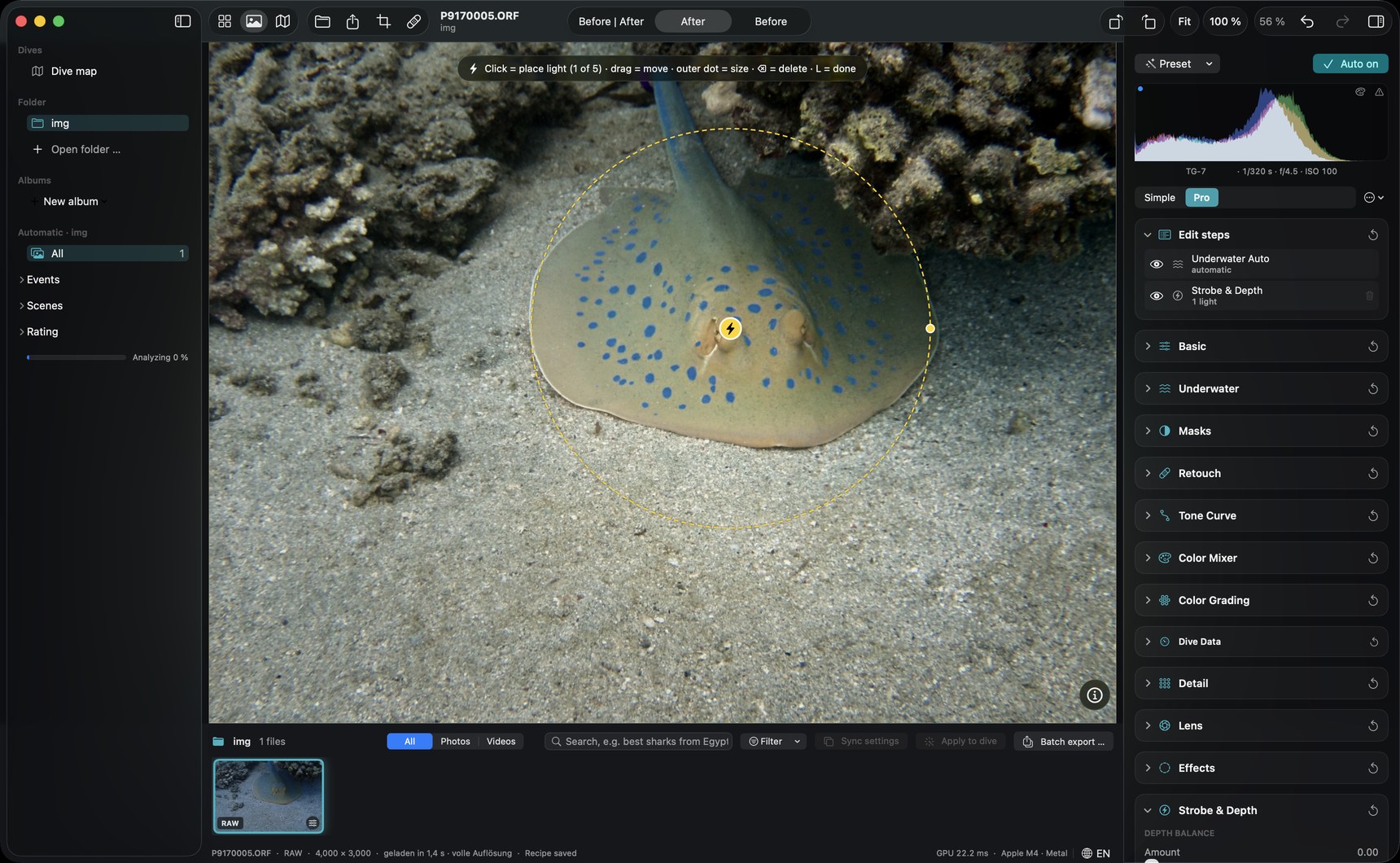

The Strobe & Depth panel.
Everything in one place, in the Pro view of the editor.
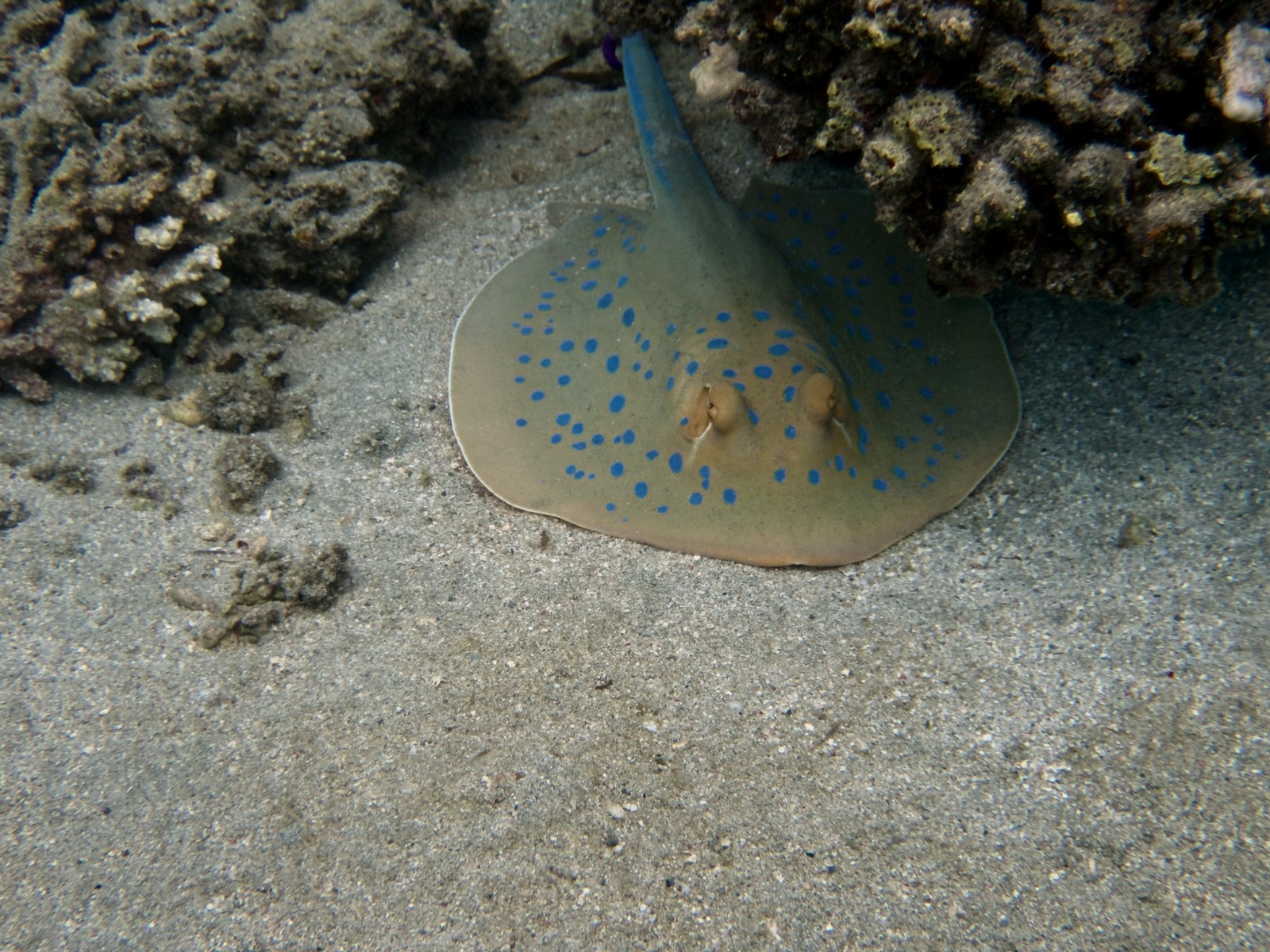
2Before and after.
Drag the line. Only the light was added, nothing else changed.
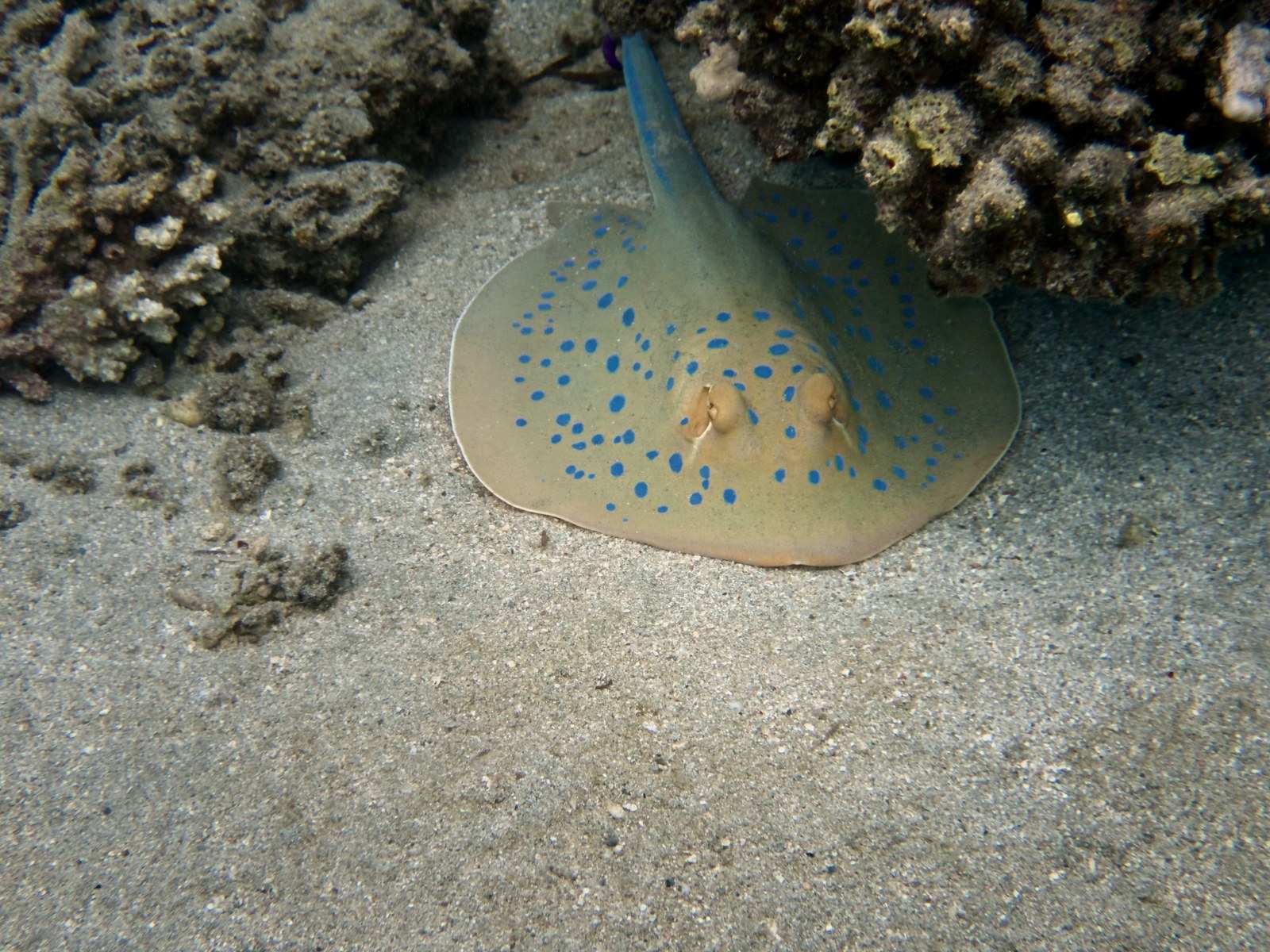
 Original
Virtual Strobe
Original
Virtual Strobe
See it in the app.
Place a light, move it, and watch the photo change live.
3Try it yourself.
Two sliders, like in the app.
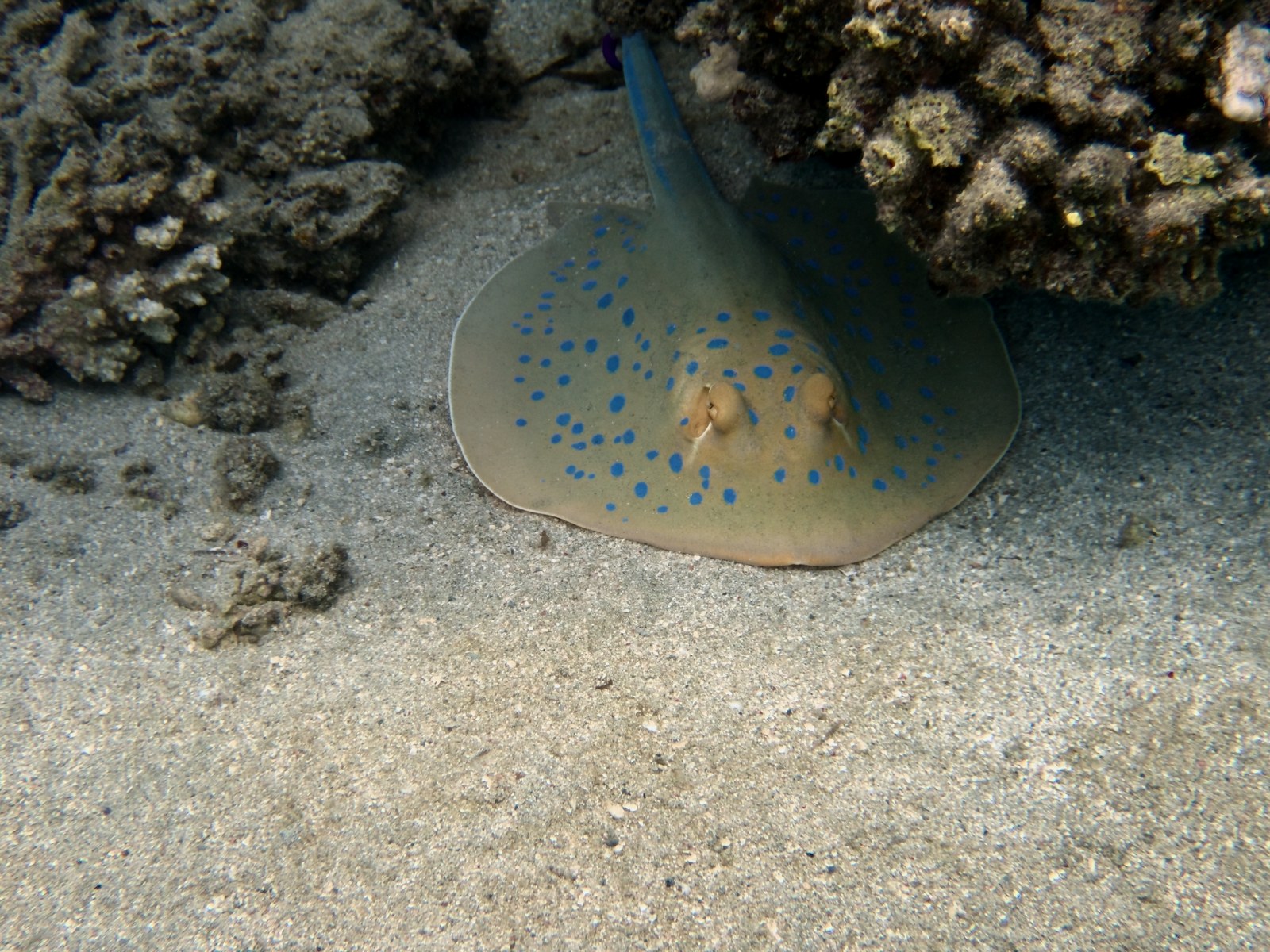
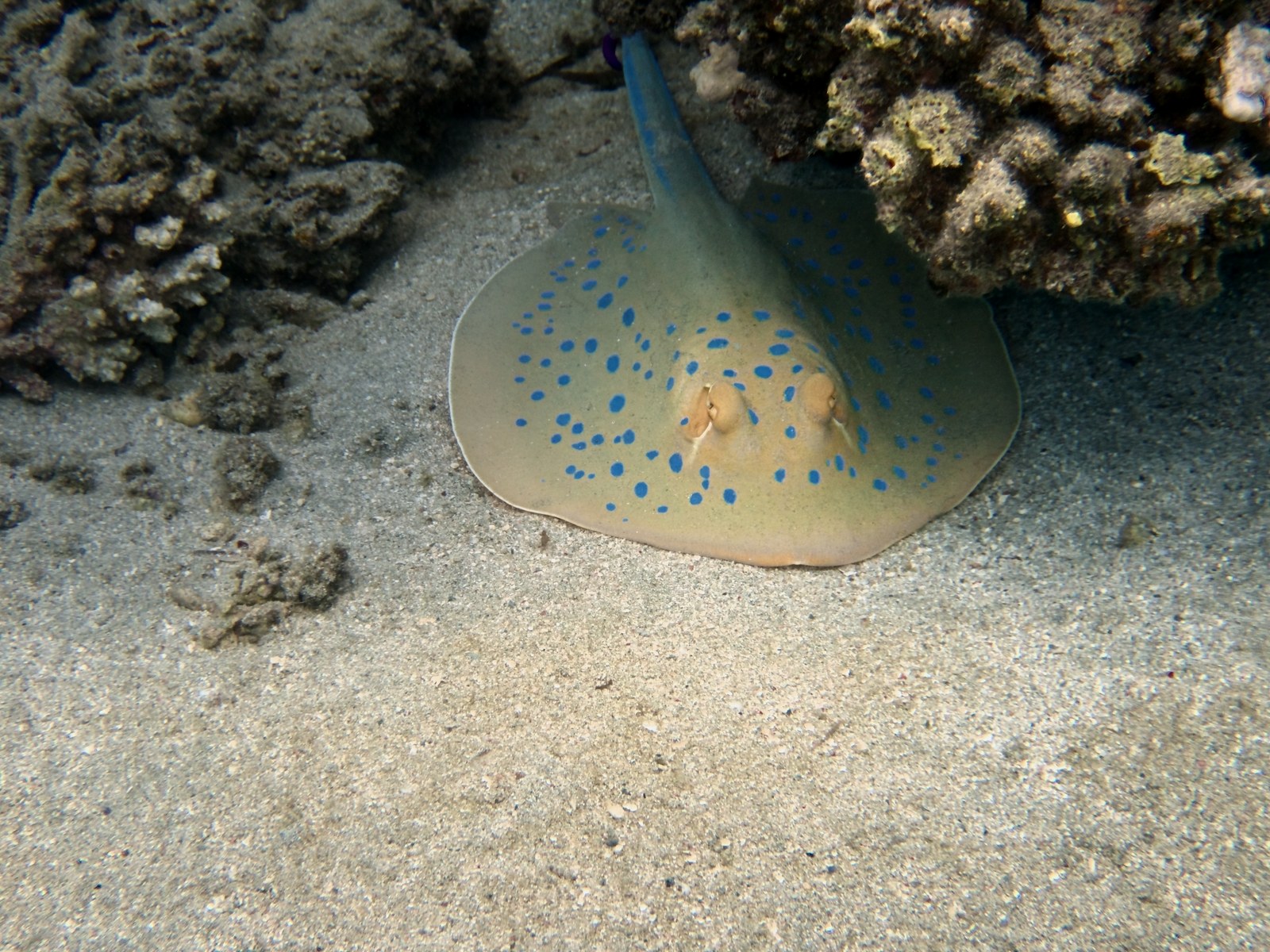
The lights you placed. Weaker with distance.
Brighter and warmer in front, calmer behind.
In this example the slider controls both strobes together. In the app every light has its own sliders – strength, size, color, falloff and position – and the depth balance comes on top. Preview in the browser: blended from photos rendered by DepthLight. In the app the light is computed live.
And if you want drama.
Light on the subject, the surroundings fall softly into the dark. Same RAW, a few sliders more.
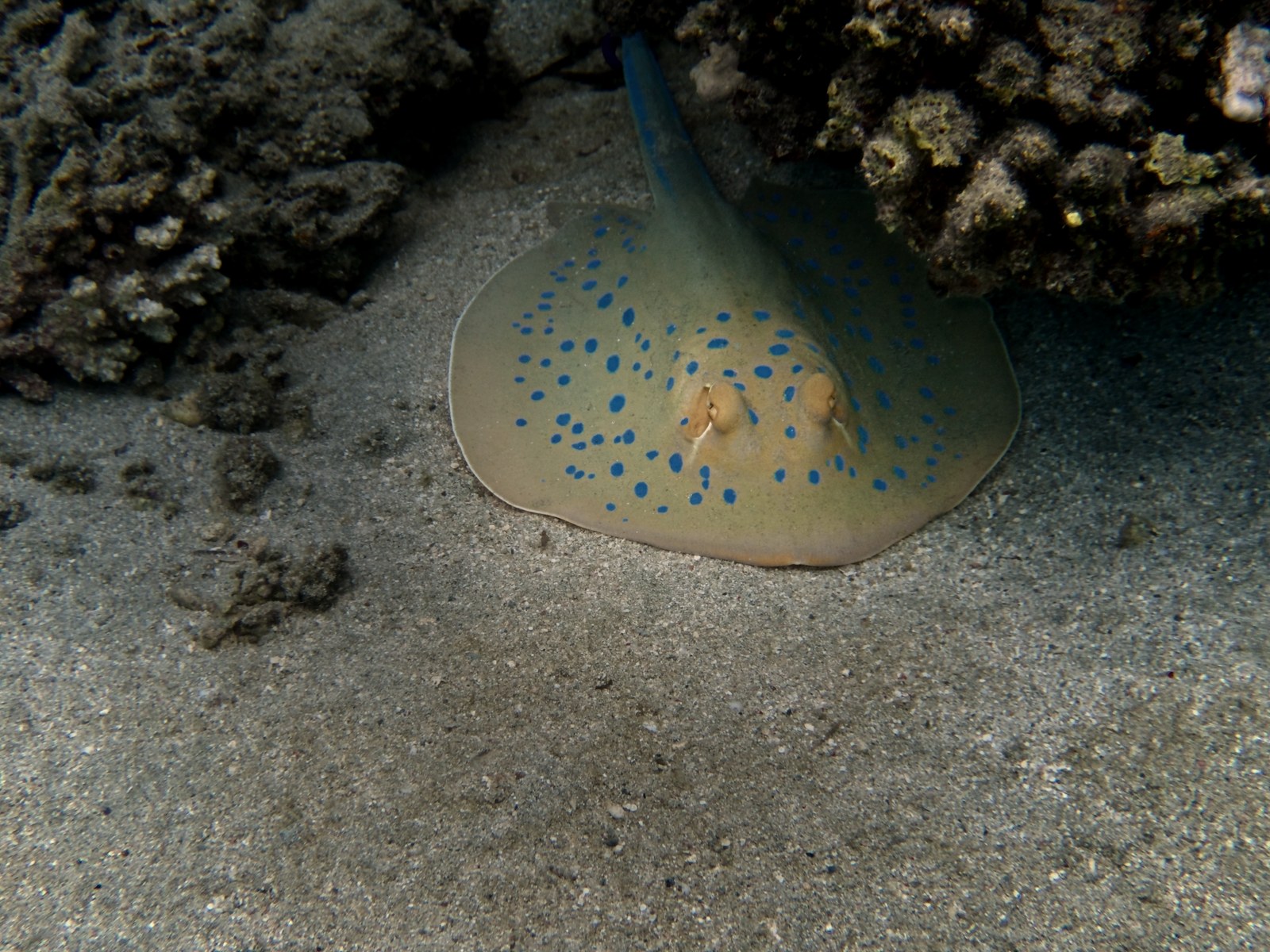 Original
Dramatic
Original
Dramatic
Test feature, in planning: these are our first results. Placing lights by hand already works well. The one-click “Light the subject” is still being tuned, on dark subjects it is not convincing yet. Tell us where it shines and where it doesn’t.
Strobe & Depth brightens and darkens by distance. It does not rebuild the scene in 3D.
In testing
Next step: a strobe in 3D.
Light that comes from strobe arms like a real strobe, falls off with the real distance, lights surfaces by their angle and casts soft shadows, while the water behind stays blue. Example images follow as soon as the results are convincing.
Details for pros
- Depth map Computed on your Mac from a single photo, without internet. Stored with every photo, so preview and export always match.
- Depth balance Strength, near/far transition and softness. Brightness and warmth for near and far, separately.
- Virtual strobe Up to five lights, each with strength, size, light color and falloff with distance. Presets for one or two strobes and a video light.
- Its own edit step Switch the light on and off like any other step. It is included in the export.
- Honest about limits A hint appears when a photo has hardly any depth, such as open blue water or sand seen from above.
- Nothing is generated Only the real pixels are brightened and colored.