Alpha Backscatter
Floating particles? Gone.
Sand, plankton and tiny particles light up in front of the lens — especially with a strobe or in murky water. DepthLight finds these spots and removes them, but only in open water: fish, corals and sand keep every detail. The app decides on its own how strongly to remove them, and you can always adjust it with one slider.
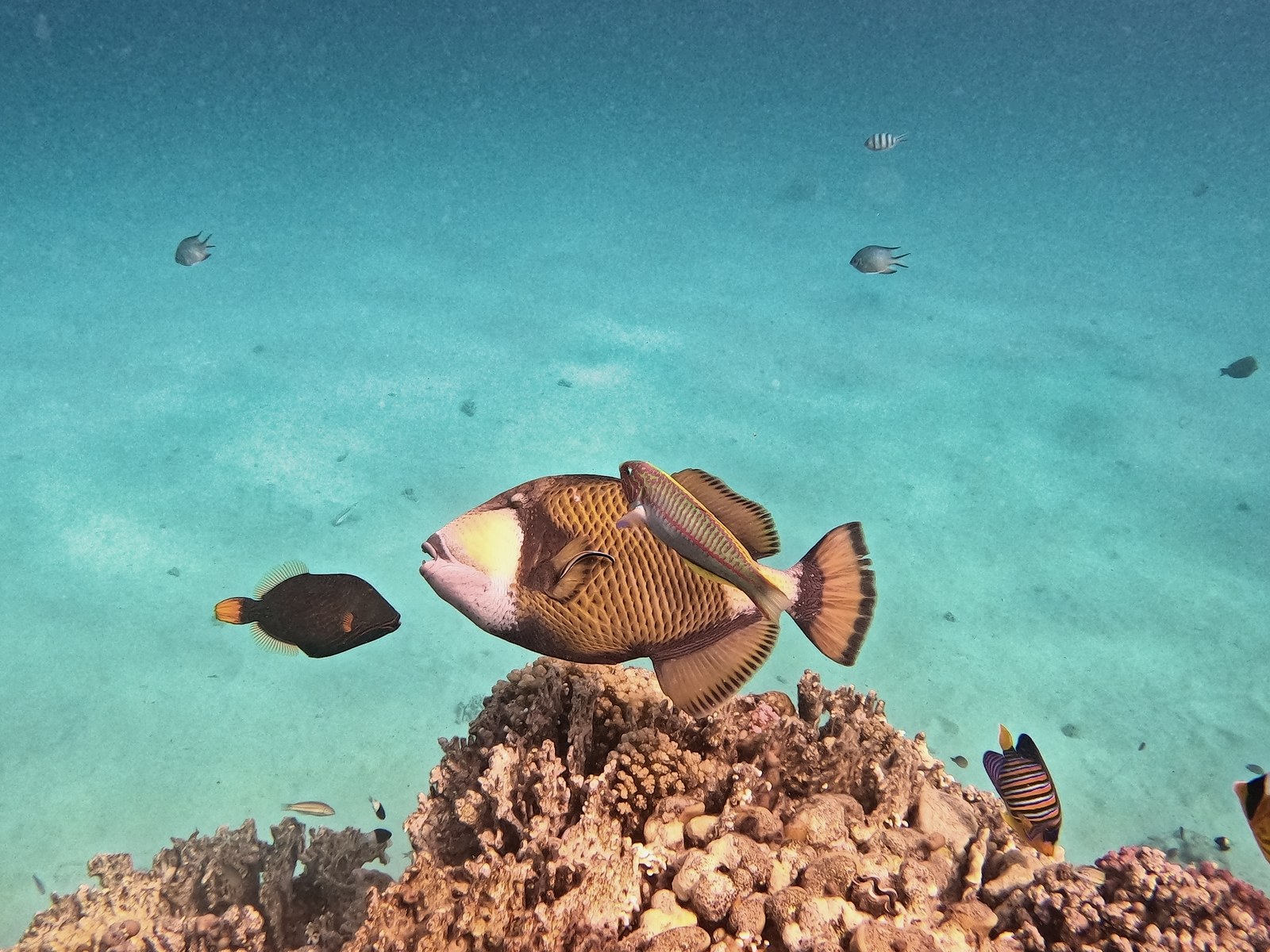
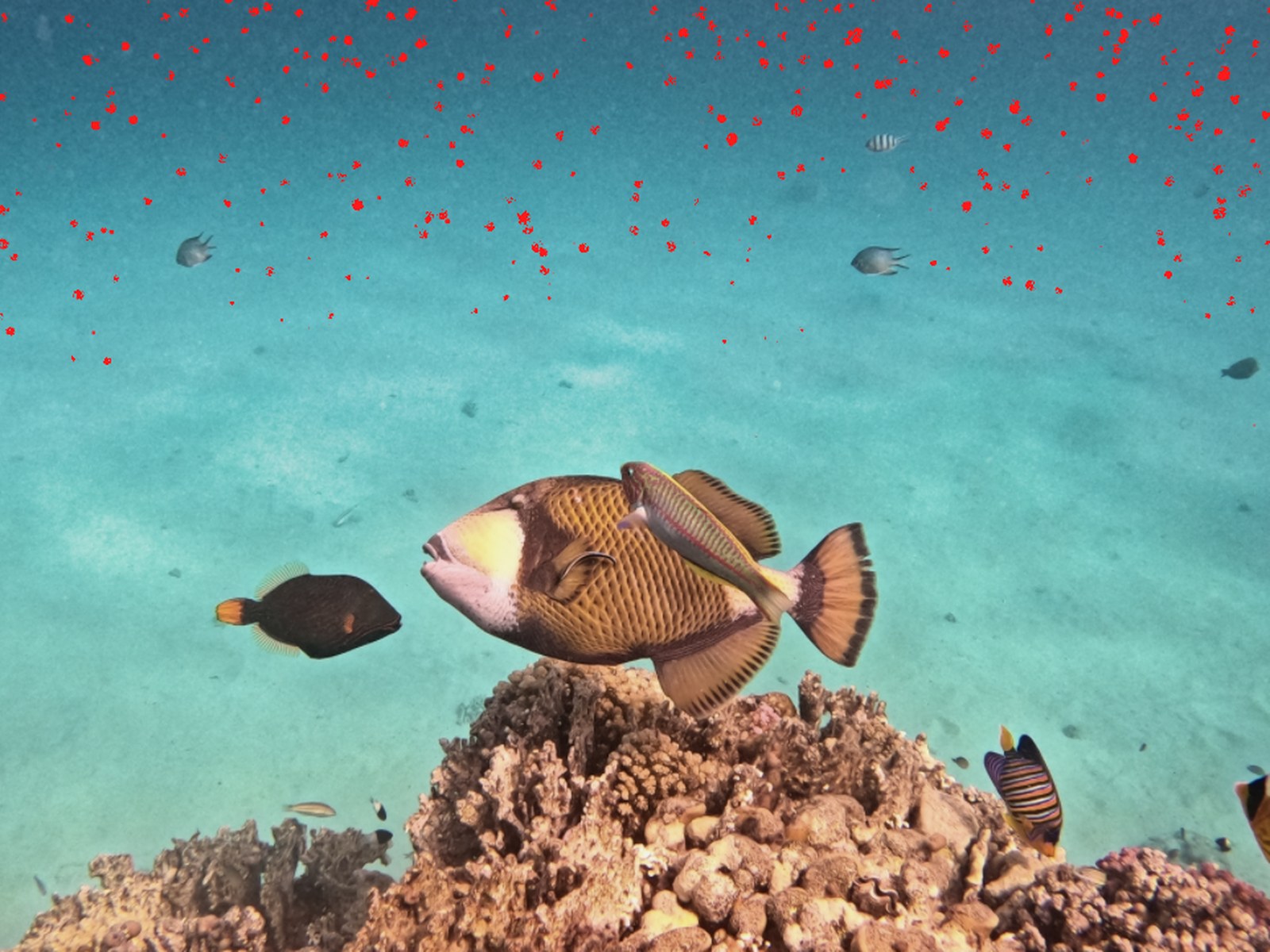 Particles marked
Removed
Particles marked
Removed
How it works.
- Open the photoDepthLight measures how many particles it has.
- Switch on “Remove backscatter”The strength is set automatically.
- Check with “Show particles”Every particle that is removed is marked in red.
- Adjust if neededOne slider for the strength, one for the particle size.
Details for pros
- Backscatter removal Removes particles in open water only, with strength and particle size — and a view that shows the detected specks in red.
At a glance
- Automatic strength, depending on how many particles the photo has
- Show particles: every particle that is removed is marked in red
- Size slider for fine dust or bigger particles
- Only touches open water — the subject stays untouched